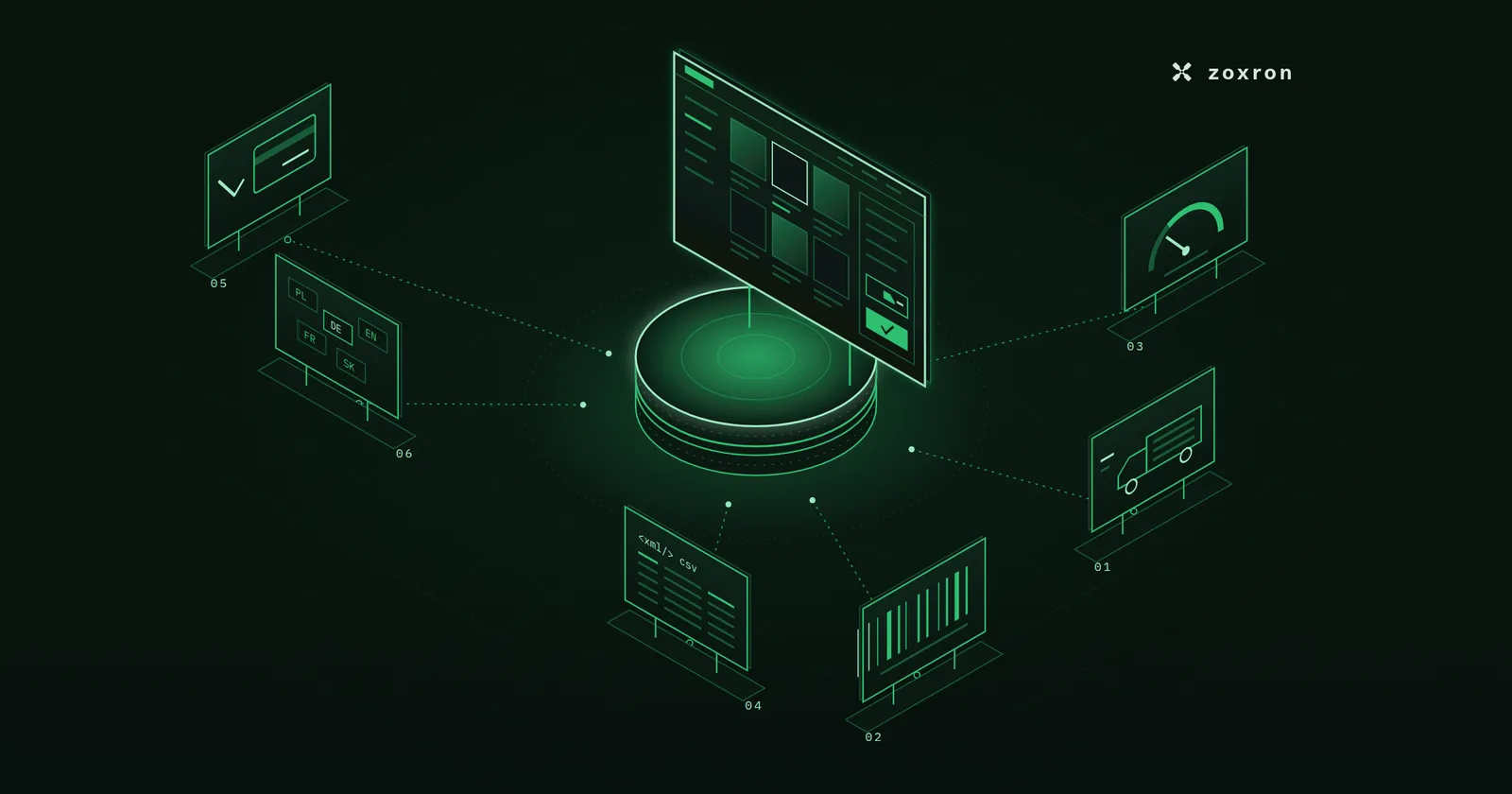
The standard Odoo portal does a few things well. A customer logs in, sees their quotations, orders and invoices, signs a quote, pays online and downloads documents. For a service business that is often enough. A manufacturer selling through a partner network in many countries needs something else: a place where the partner finds the product on their own, orders at their own price, sees the freight cost straight away and never has to pick up the phone to find something out.
We built that portal for a mid-sized building products manufacturer in Central Europe. Partners from more than 20 countries order in their own language, and everything they do lands in Odoo as an ordinary quotation, sales order and invoice. This post shows what it can do and how it differs from the standard.
Standard portal vs. a portal built for the job
- Catalogue. Standard: the Odoo webshop, and a separate portal for documents. Here: one place where catalogue, cart, quotations, orders, invoices, messages and downloads sit behind one login.
- Prices. Standard: the pricelist applies, but the partner cannot see what they save. Here: the partner's price in their pricelist currency, the discount on every line and the average discount for the cart.
- Freight. Standard: a salesperson adds delivery cost, often a day later. Here: carrier quotes in the cart before the partner sends anything.
- Quotations. Standard: the customer can accept any quotation from its link. Here: the cart goes to the account manager, who completes it and sends it back, and the partner can only accept what the account manager prepared.
- Trade credit. Standard: only accounting sees the limit. Here: the partner sees their limit in the portal, and an order over the limit goes through a manager's approval.
- Languages. Standard: Odoo translations that in the portal often mix with the base language. Here: 21 languages across portal, emails, PDFs and product descriptions, with the form of address each country expects.
A catalogue arranged the way partners think
A partner does not look for an item number. They look for a product family, a finish and a length. The catalogue groups products exactly that way: a family with technical data shared by every variant, finishes inside it with a texture photo, a room setting on hover and a 3D model, and the lengths one click away. In Odoo each length still has its own product record, bill of materials and history. The grouping exists only in the portal, so it changes nothing in production or the warehouse.
On a phone the portal has an app-style bottom bar: Home, Catalogue, Cart, Orders, Menu. The home page shows the account status, five "how to order" steps, categories and a file library: sample books, data sheets, installation guides.
A quotation the account manager steers
In B2B the final price is rarely the cart price. Freight is added, and sometimes the quantity changes. So the flow works like this:
- The partner fills a cart and sends it to their account manager. Odoo creates a quotation with a clear "placed in portal" marker and a task for the account manager.
- The account manager confirms it straight away, or adds freight and sends it back. The partner sees the lines the account manager added separately from their own.
- The partner accepts the returned quotation in the portal. Signature, date and PDF are stored in the document history, and the account manager gets a task. The partner can also decline and give a reason. Once the validity date passes, the quotation locks.
- A message from the partner goes to the chat of that specific document and becomes a "reply to partner" task, so nothing gets lost in an inbox.
The account manager's card shows their details and a link to book a call in the Odoo calendar, in the same look as the portal.
Freight priced in the cart
This is the feature partners notice first. From product dimensions and weights the portal builds a pallet plan, then asks carriers for a price to the delivery address:
- Two carriers at once: a European groupage network and a domestic pallet carrier. The portal suggests the cheaper one, and the partner can pick the other.
- Domestic: a fixed price per pallet that the company sets itself, independent of the carrier's tariff.
- Private address: the surcharge for delivery to a private person is added automatically.
- Outside the EU: export clearance, plus a note telling the customer what to expect at the border.
- Large loads: from a set number of pallets the order goes to a freight exchange, and the partner sees why freight will be quoted separately.
The partner never sees the carrier's cost or the margin. The account manager sees both in Odoo, together with the carrier's quote number. If a carrier does not respond, the partner gets a clear message and a "try again" button, and the cart keeps working. Freight for orders that are already confirmed can be priced later as well: the partner accepts it in the portal, and the freight invoice is issued separately.
Receivables and trade credit
Every partner has a limit in their own currency. Usage is calculated the same way Odoo does it: receivables balance plus confirmed orders not yet invoiced. The partner sees their limit in the portal, with the date the balance refers to. They can place an order over the limit, but it will not confirm itself: in Odoo it gets a marker, and the credit managers get a task asking for approval. An approval carries a reason and an amount it covers. A higher amount means a new approval.
Odoo got a dedicated Receivables app for this: a dashboard, customer cards with open invoices, payments and unmatched receipts, and the history of limit changes. Salespeople see only their own customers.
Integrations
A product file for partners' webshops
A partner with their own webshop gets a private link to a product file in XML, CSV or XLSX. Ready-made profiles for WooCommerce and PrestaShop, any of the 21 languages, the partner's net prices and the suggested retail price, images, dimensions, EAN codes. Discontinued products stay in the file for six months, flagged, so the partner's shop knows what to take down. Every download is logged, and images and links carry the partner's code, so the manufacturer sees which partner sells its products and where visitors come from.
GS1 and EAN numbers
An EAN is assigned in Odoo from the company's range with one click. Odoo registers the product with GS1 by itself and makes sure no two products get the same name in the registry. Every number has a public product page on the manufacturer's website that GS1 and retailers can check.
Card payments
Partners can pay online. Stripe receipts, fees and payouts post to Odoo automatically and are matched to invoices and to the bank statement. Accounting retypes nothing.
Invoices and emails
The partner gets an email when the order is placed, when it is confirmed, with the invoice and with a thank-you for the payment. The invoice goes out only once the national e-invoicing system has accepted it, and only if the office has not already sent it by hand. Every link in every email leads to the new portal, never to Odoo's standard screens.
VAT by company and country
The portal checks the company's VAT number in VIES and sets the rate by delivery country. A partner from another EU country with a valid VAT number sees 0 % in the cart, exactly as on the invoice later.
21 languages, not just translated buttons
Portal, emails, quotations, invoices and product descriptions work in 21 languages, the same as the manufacturer's website. The form of address is the one each country uses: "Sie" in German, "vous" in French, "du" in Swedish. Numbers inflect correctly, including in languages with four plural forms. Finish names stay in the original, because partners know them as proper names.
What the manufacturer gets
- Fewer calls and emails. Price, freight cost, order status and invoices are in the portal before the partner asks.
- Account managers sell instead of retyping. A partner's cart is already a quotation in Odoo, with price, VAT and a freight quote.
- Risk control that does not slow sales. A partner can order over their limit, and the decision is made by the person responsible for it.
- New markets without new systems. Another country means another pricelist and language, not another tool.
- Data in one place. The portal keeps no copy of anything. Everything a partner sees and does is read from and written to Odoo, an open database the company owns. We wrote more about this approach in Odoo is the bucket. Build around it.
FAQ
Does this work on Odoo Community, or only on Enterprise?
The portal is an Odoo module and builds on standard Sales, Inventory and Accounting. This one runs on Enterprise, but the same design can be built on Community.
Does the standard Odoo portal stop working?
No, it still exists, but customers never see it. Every link in emails and documents points to the new portal, so the partner has one way to accept and one place to come back to.
Does the sales team have to learn a new system?
No. Salespeople keep working in Odoo on quotations and orders. They get "partner cart" and "placed in portal" markers, "my move" filters and tasks that say what needs doing.
Where should we start?
With the catalogue and cart for a few trusted partners. Freight, credit limits, the product file and more languages come next, once the first part works and it is clear where partners lose the most time.
If your partners order by email and phone and Odoo is the last to know, let's talk about a portal for your sales network.